How does the Cleaning page work?
- Answer
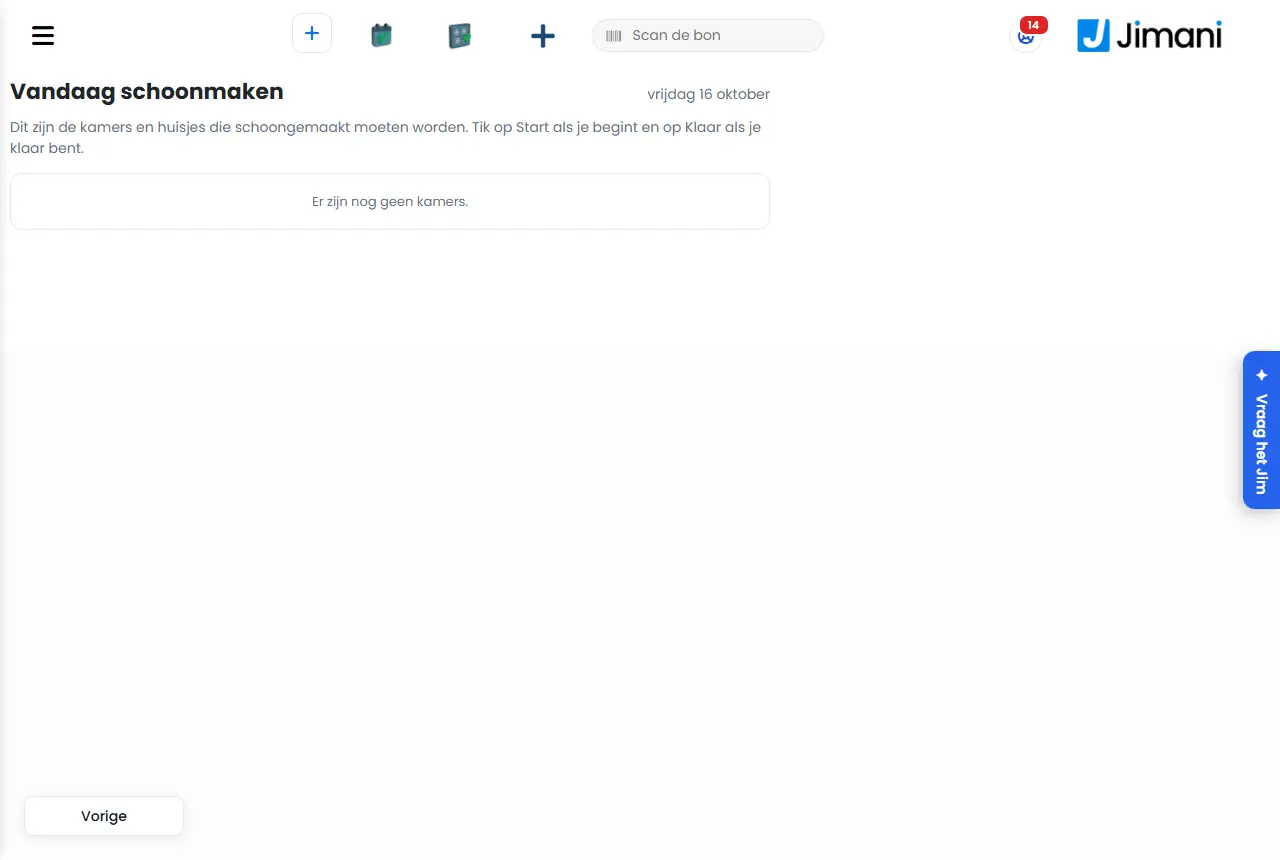
On the Cleaning page your cleaners see which rooms or cottages they have to do today. For each unit they tap Start when they begin and Done when they are finished, and they can add a comment or photo. As the manager you can also see the page and set the status yourself.
- Where to find it
Menu > Cleaning (
/Schoonmaak) for you. An employee with the Cleaning role sees only this page, without a menu, with the business, their name and Log out at the top. The page is made for the phone.- Explanation
These are the rooms and cottages that need to be cleaned. Tap Start when you begin and Done when you are finished. The heading is To clean today with the date. The list has groups: at the top what is Dirty or In progress (departures that get a new guest today first), then To inspect if the business wants to inspect first, and at the bottom Done. Per unit you see the status and the labels Departing today, Arriving today or Guest staying. A unit goes to Dirty as soon as the guest checks out. If Review first is on, the unit becomes Clean after Done and a manager sets it to Inspected. Without inspection it is set to Inspected right after Done.
- Buttons and settings
Name What it does When to use it Note Start Sets the unit to In progress. At the start of cleaning. Shown for units that are Dirty. Done Sets the unit to Clean or Inspected, depending on Review first. When you are finished. Shown for units that are In progress. Inspected Sets a Clean unit to Inspected. For the manager after inspecting. Only for you, not for the Cleaning role, and only with Review first on. Note or photo Opens a box to type a comment and take a photo. For a broken lamp or a problem. The comment can be 1000 characters, for example lamp broken, towels out. Photo Takes a photo with the phone camera or selects one. To show a problem. Afterwards the number of photos is shown with the unit. Save Saves the comment or photo with the unit. After typing. - Set status Choose Dirty, In progress, Clean, Inspected or Out of order. To set the status by hand. Only for you, not for the Cleaning role. You can also do this on the Rooms tab of Hotel management. Log out Logs the cleaner out. After work. Only in the bare view for the Cleaning role. - Related
How does cleaning of rooms and cottages work?, What can you set under Advanced, Online payment, Online check-in and Cleaning of the hotel?
- What do my cleaners see on the Cleaning page?
- Can a cleaner add a photo or comment?
- How do I set a room status myself as a manager?
- What do Start and Done do on the cleaning page?
Keywords: cleaning page, housekeeping, room clean, cleaner role, dirty in progress done, cleaning photo
Last checked: 2026-10-16
Translated from the Dutch knowledge base; the Dutch version is leading.