How does the Time limitation of Activities management work in Jimani?
- Answer
With a Time limitation you block a time period or a whole day for one or more activities, for example in case of a staff shortage or a cleaning moment. You find it under Activities management > Time limitation. Guests can no longer start in that period.
- Where to find it
Activities management > Time limitation tab > plus button > Time limitation (
/Activities)- Explanation
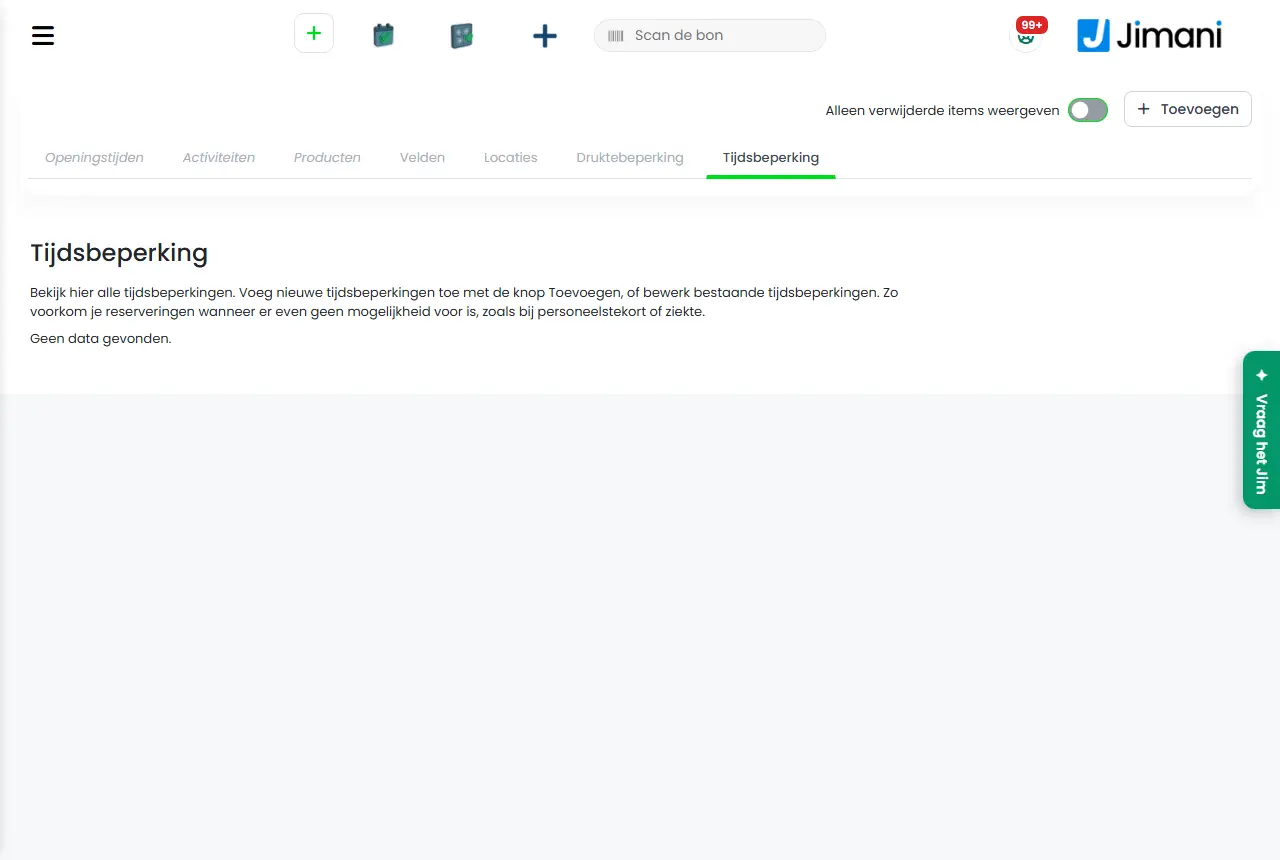
The tab shows the limitations with the columns Name, Date, Blocking of, Block up to and Ticket type. The screen says: "View all time limitations here. Add new time limitations with the Add button, or edit existing time limitations. This prevents reservations when there is temporarily no possibility for them, such as in case of a staff shortage or illness." The window is called Time limitation, with the subtitle Create a new time block, and has the parts Time block (name, whole day or time period, times), Activity type and Dates. The step-by-step version is in How do I block a time period or a whole day for my activities?.
- Buttons and settings
Name What it does When to use it Please note Name The name of the limitation. On the screen: "Enter a name. The name is only visible internally." The example in the field is Restriction name. Always. Only visible internally. Day restriction Determines whether the limitation applies to the whole day. On the screen: "Indicate whether the time limitation applies for the full duration of the selected dates." With Yes you do not need to choose times or activities. Yes for a closed day, No for a time period. With Yes the limitation applies to all activities. Time from The start of the blocked time period. On the screen: "Indicate from which time to which time you want to block something. Please note, if you want to block something until 19:00, for example, set the time to 18:59." The field is called Start time in the window. With Day restriction: No. The minus button and plus button move one hour. Time to The end of the time period. With Day restriction: No. The start times up to and including this time are blocked. If it is before Time from, the block runs past midnight (+1 day). Equal times are refused. Activity type Chooses the activities the time period applies to: "Choose the activities to which this limitation applies." With Day restriction: No. Without a choice: Please select at least one ticket type. Date Chooses the days on which the limitation applies. On the screen: "Indicate on which dates the time limitation is active. Choose single days, weeks, or months by clicking them, and use the arrows to navigate to other years." Always. Without a date: Select a date. Active Turns the limitation on or off. On the screen: "Turn the limitation on or off. If it is off, it does not apply." Not needed. Is hidden in Change time limitation; deleting is possible. Delete Deletes the limitation after Are you sure?. If the limitation is no longer needed. Is in the Change time limitation window. Previous To the previous step. - - Next To the next step. - - Save Stores the limitation. On the last step. - - Messages
Message What does it mean What do you do Please select at least one ticket type. You have not chosen an activity. Choose at least one activity. Select a date You have not chosen a date. Click the days in the calendar. Not saved: from and to are equal. Block the whole day? Choose 00:00 to 00:00. Time from and Time to are equal. Change the times or choose Day restriction: Yes. - Related
How do I block a time period or a whole day for my activities?, Why can't a guest see available times for my activity?, How does the Crowd reduction of Activities management work in Jimani?
- How do I block a cleaning moment for my activities?
- How do I close a time period for one or more activities?
- Where do I find the time limitation?
- Can guests start during a time limitation?
Keywords: time limitation, time block, day restriction, time from, time to, block reservations, staff shortage
Last checked: 2026-10-16
Translated from the Dutch knowledge base; the Dutch version is leading.