



E-commerce platform
Do you want to grow your restaurant, hotel, snack bar, pizzeria, lunchroom, or room service without getting overwhelmed by separate systems, technical integrations, and high costs?
With Jimani’s e-commerce platform, you have one powerful webshop and POS platform, allowing you to launch a professional online store in no time. From pickup to delivery: everything works together seamlessly, so you can focus on what truly matters, satisfied customers and increased revenue. Discover how easy it is to start today and take your food business to the next level.
- Get your own webshop live within 30 minutes, without technical hassle
- One complete system for orders, payments, and inventory management
- Flexible menu options and combo deals that increase your turnover
- Seamless integration with POS system and kitchen processes
- Scalable: from your first order to hundreds of orders per day
- Hardware support such as PIN devices, kitchen screens, and ordering kiosks
Start your own food webshop with Jimani today and accelerate your turnover.
Within half an hour, your online booking system for your food webshop will be online and ready for use.
Why hospitality entrepreneurs choose Jimani
Many hospitality businesses face the same issue online: orders come in from different channels, processes don’t align properly, and staff have to switch unnecessarily between systems. This costs time, leads to errors, and makes scaling difficult.
Jimani brings everything together in one environment. Online ordering, payments, and processing flow seamlessly, so you can work faster and stay in control of your operations. Not just on the front end for your guests, but especially behind the scenes for your team.
Discover the possibilities
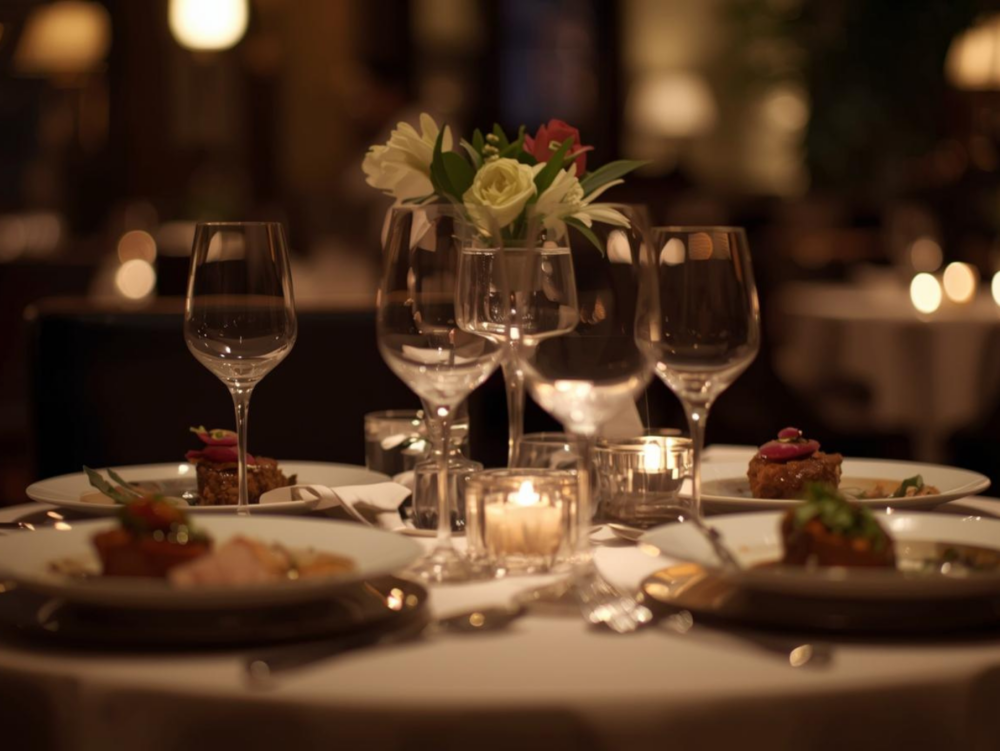




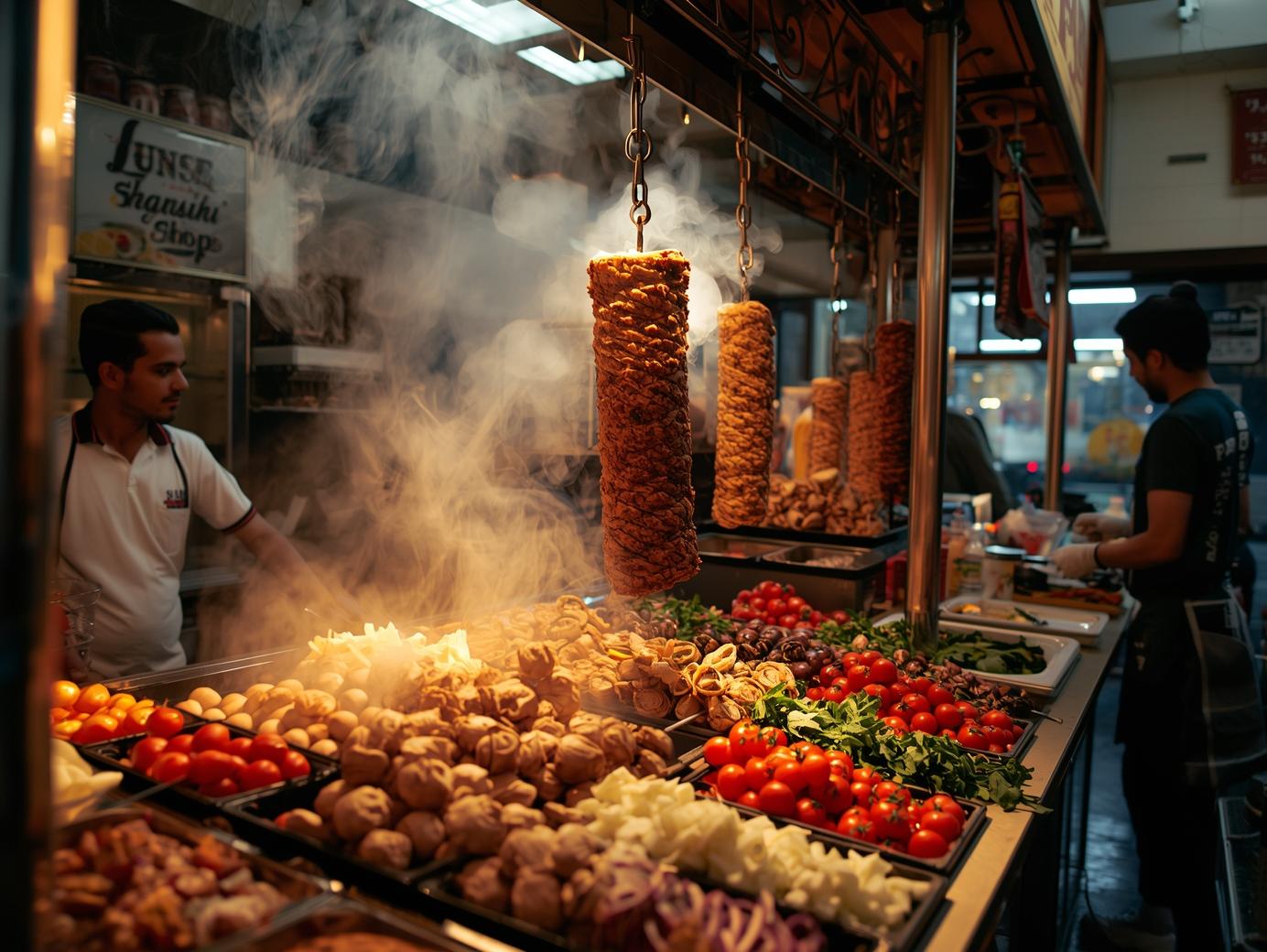
What makes Jimani unique?
A good ordering website does more than just take orders. You want customers to quickly find what they’re looking for, place an order easily, and check out without hassle. At the same time, you want full control over your assortment, pricing, opening hours, and order processing.
With Jimani, you create an ordering environment tailored to your business. Whether you mainly handle pickup orders, offer delivery, or want to combine multiple order flows, you build your own online sales channel in your style and on your terms.
- Product management and inventory
- Customer relations and marketing tools
- Order processing and payments
- A fully integrated POS system
While traditional software often relies on separate integrations and unstable apps, Jimani provides you with a single, scalable system that grows with your business.
One customer told us:
“With Jimani, we had our pizza webshop live within a single day. Everything from payments to kitchen receipts works together seamlessly. We’re saving time and reducing errors.”
Integration with POS, kitchen, and hardware
When online orders don’t flow properly to the front desk, kitchen or POS system, it immediately causes disruption in your business.
That’s why Jimani supports integrations with the tools that truly matter for food businesses, such as:
- PIN devices
- Receipt printers
- Cash register screens
- Kitchen displays
- Self-service kiosks
External hardware: seamlessly connected from kitchen to counter
In practice, this means:
- Less manual work
- Less chance of errors
- Faster processing during peak moments
- Better overview in the kitchen and at the counter
Upgrade to the next level!
The Jimani webshop module is specifically designed for the food sector, but it is perfectly suited to be combined with the restaurant module, the rental and activities module, the ticket sales module, and the hotel module.
Say goodbye to outdated POS systems and use the webshop module for your restaurant to receive orders via kiosks, QR codes on tables, and handheld terminals. In short, this module is indispensable as a point-of-sale system, but also for managing orders for your terrace tables.
Room service or supermarket delivery service
With the webshop module, you turn every point of sale into an automated process. This module serves as the foundation for your POS system, as well as an automated sales point for kiosks and QR codes.
Place a QR code in every cottage, hotel room, or accommodation. The QR code is linked to the house or room number and to set products and product groups. Let your guest order a pizza from their accommodation, place a snack bar order, or even order groceries for the next day! Add a delivery service and make it even easier for your guest.
Smarter online ordering, faster processing
With Jimani, orders, payments, and processing come together in one clear system. This means fewer separate actions, more calm in your operations, and a smoother ordering experience for your customers.
What this delivers:
- More control over pickup and delivery orders
- Faster processing of online orders
- Fewer errors in daily operations
- Better overview for your team, counter, and kitchen
- A stronger own online sales channel
This way, online ordering becomes not only easier for your customers, but also more profitable for your business.
Your webshop ready-made and scalable in 30 minutes
You can have a complete webshop live within 30 minutes thanks to our realistic sample data, complete with products, images, prices, and product descriptions.
Prefer to build your own assortment? That is also possible. Jimani grows with your business—whether you are just starting out or processing hundreds of orders daily, we can handle it.
Who is the Jimani webshop suitable for?
Jimani is ideal for:
- Starting food entrepreneurs who want to sell online
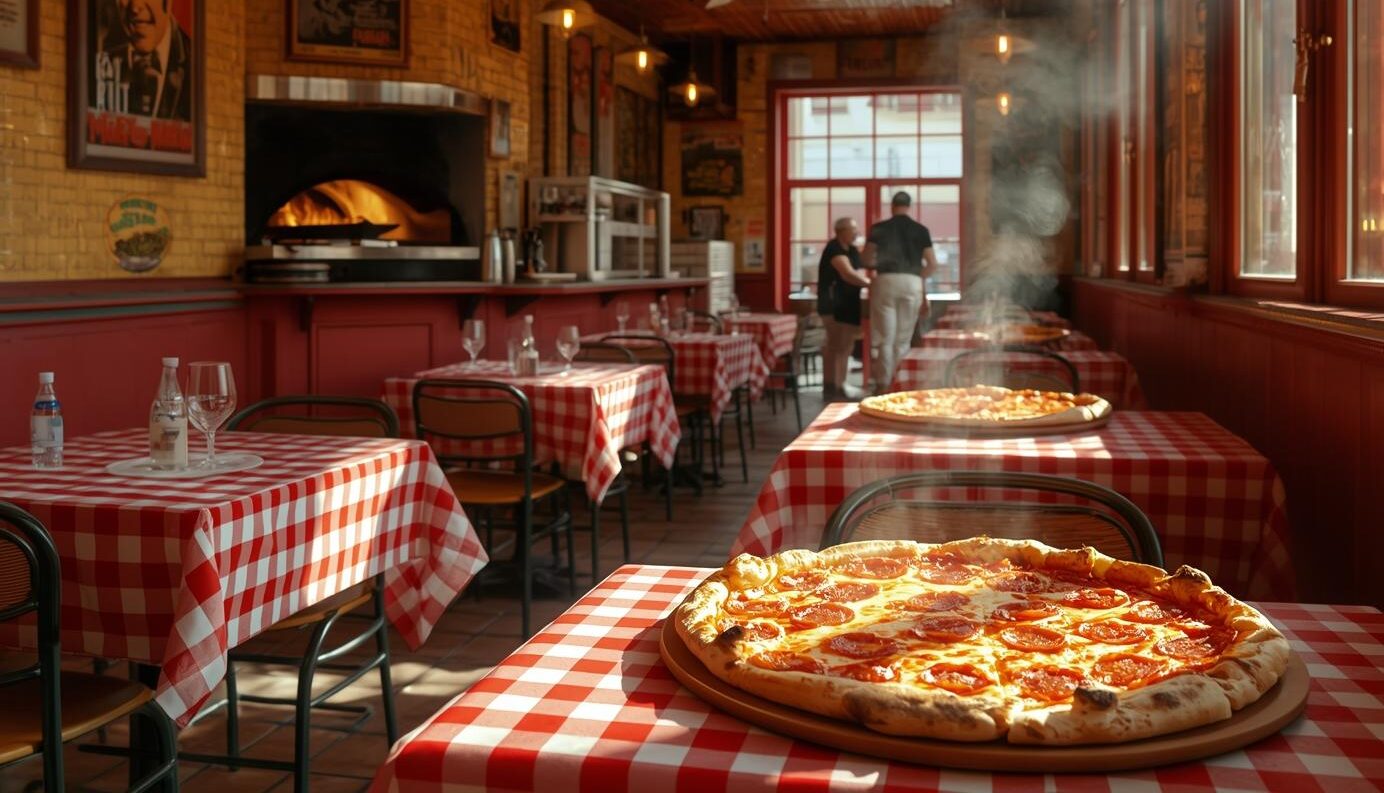
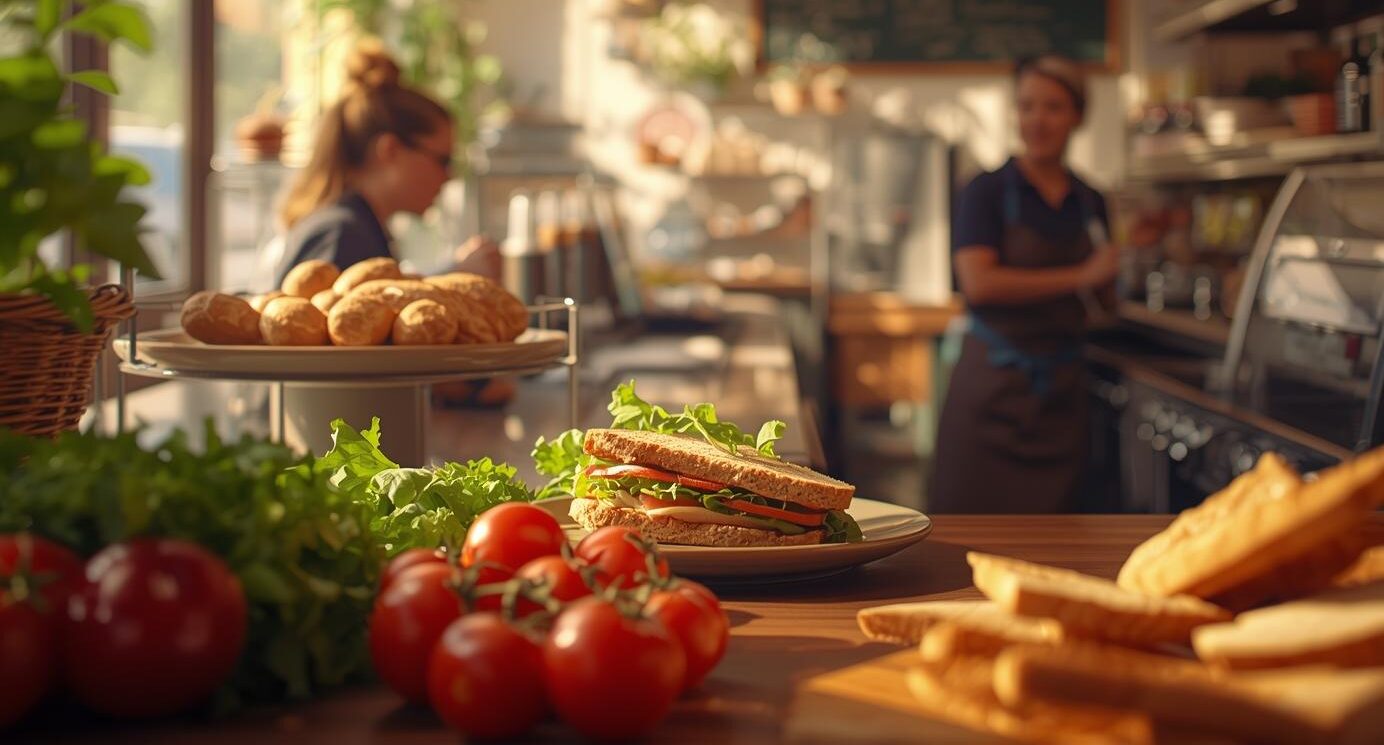
- Snack bars, pizzerias, and sandwich shops that want to professionalize
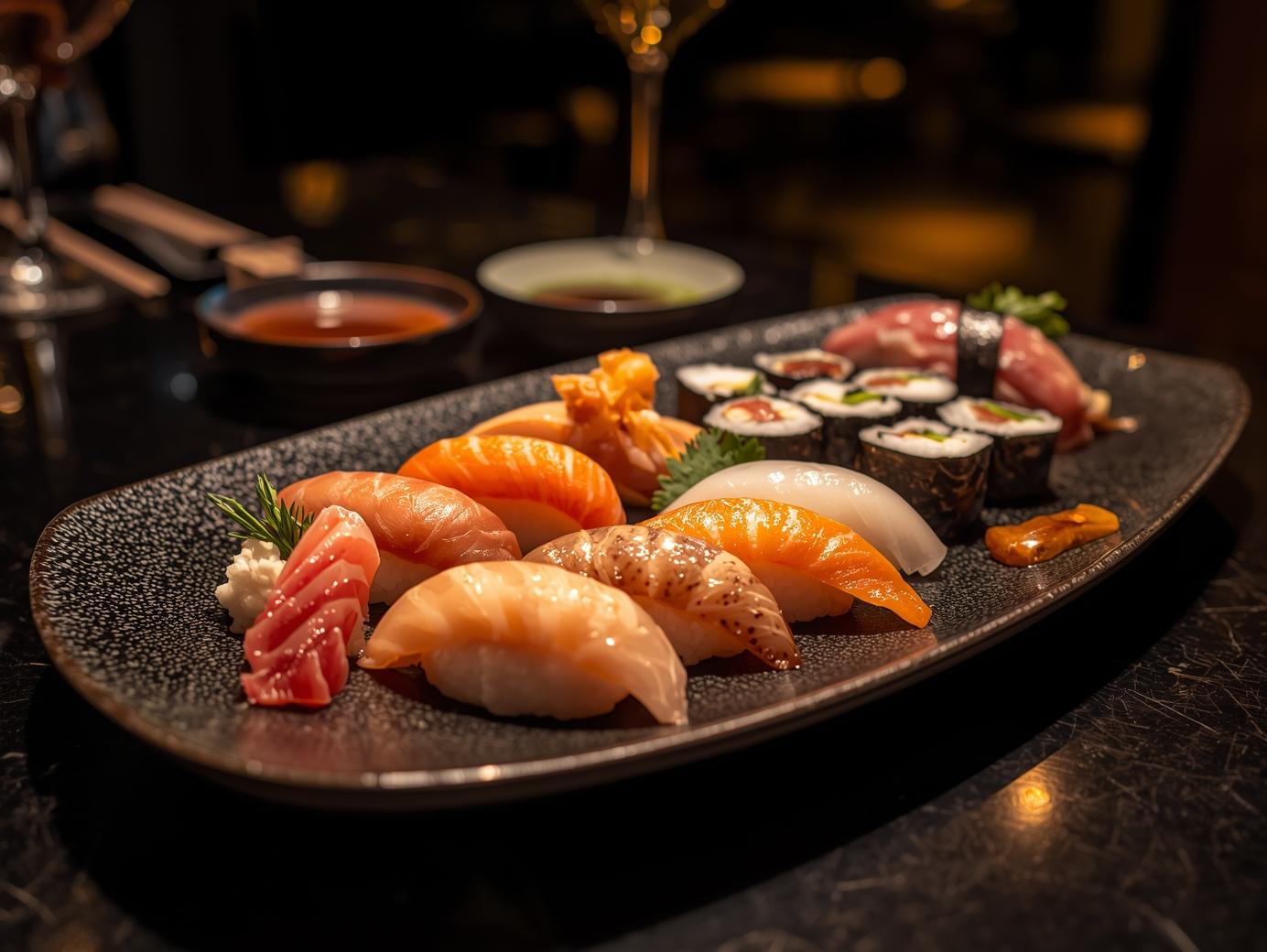
- Sushi bars and delivery restaurants that want to scale up
- Physical catering establishments that want to break through online without technical barriers
- Anyone who also wants an integrated POS system!
Ready to grow with your own webshop?
Create a Jimani account today and discover how easy it is to set up your food webshop and POS systems professionally and effortlessly. With Jimani, you build your brand without the hassle and without limits.
Extras & Extensions
Optionally expandable with:
- Extra POS license: €15 per month
No monthly fee
Complete e-commerce system, without a monthly fee.
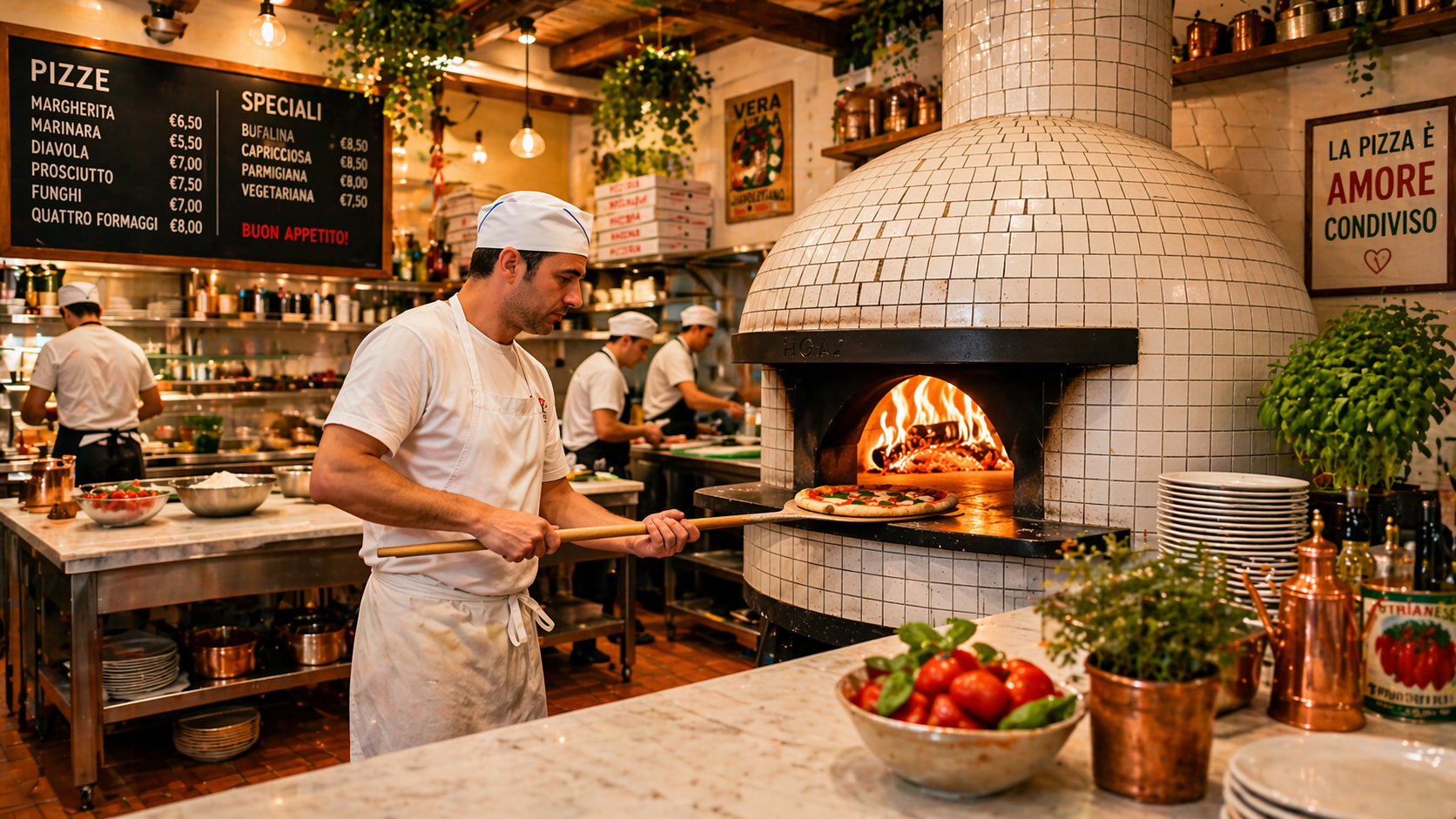
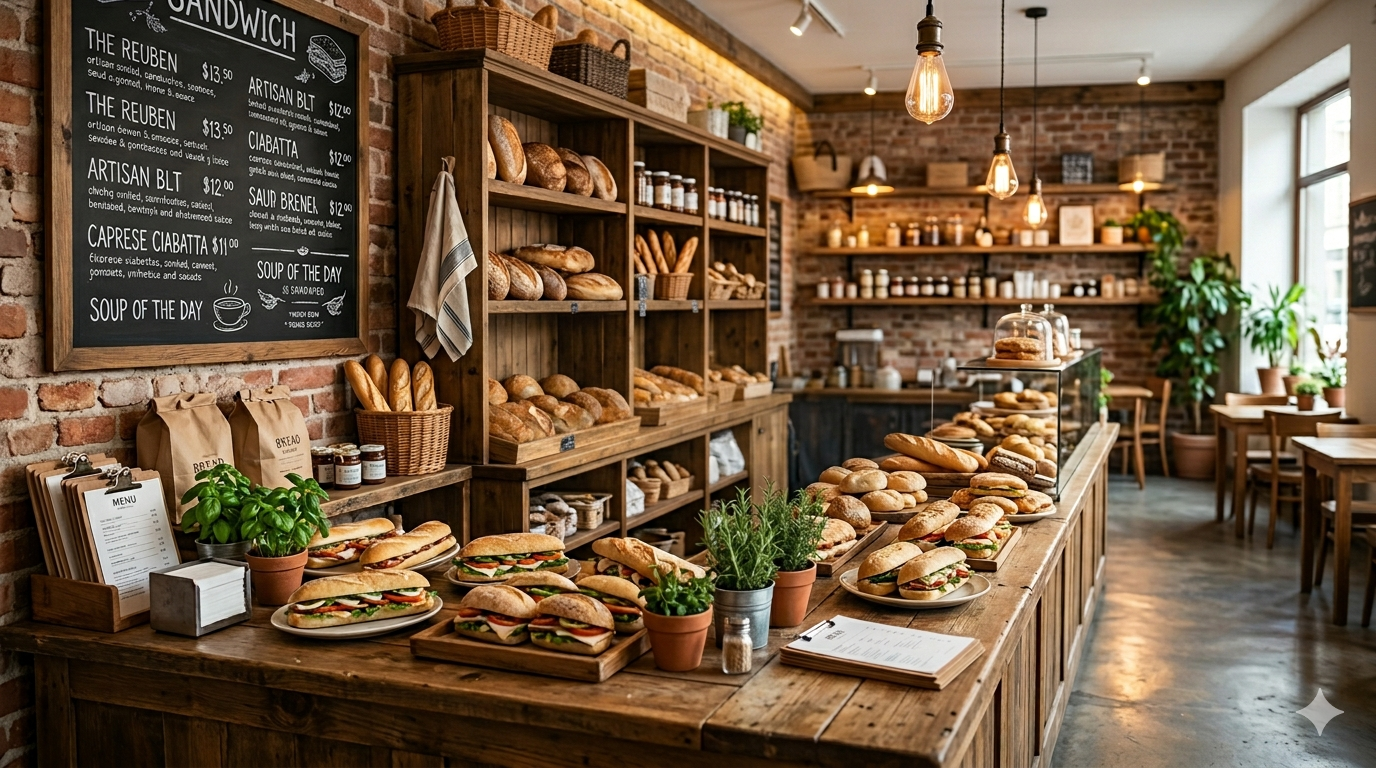
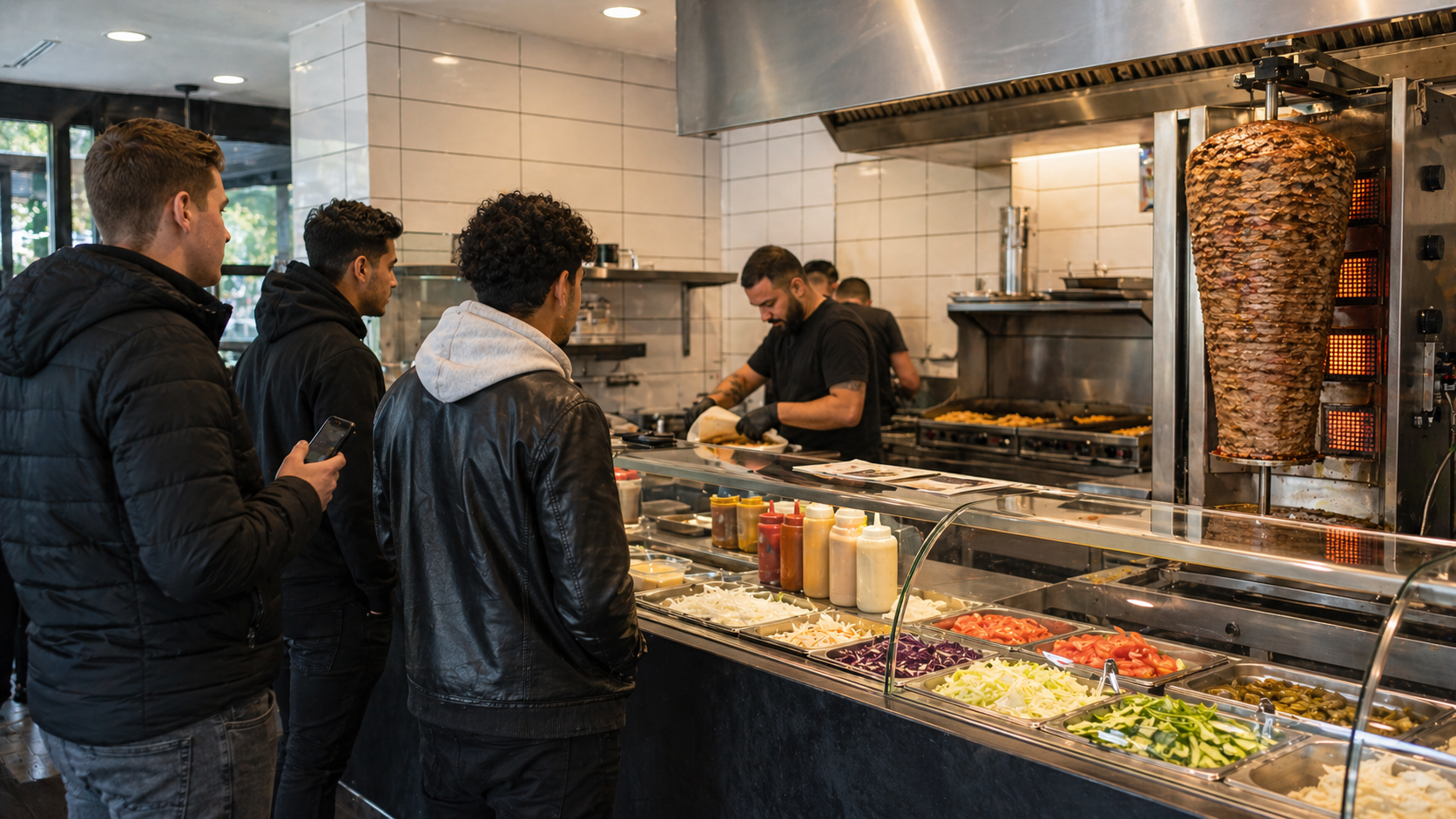
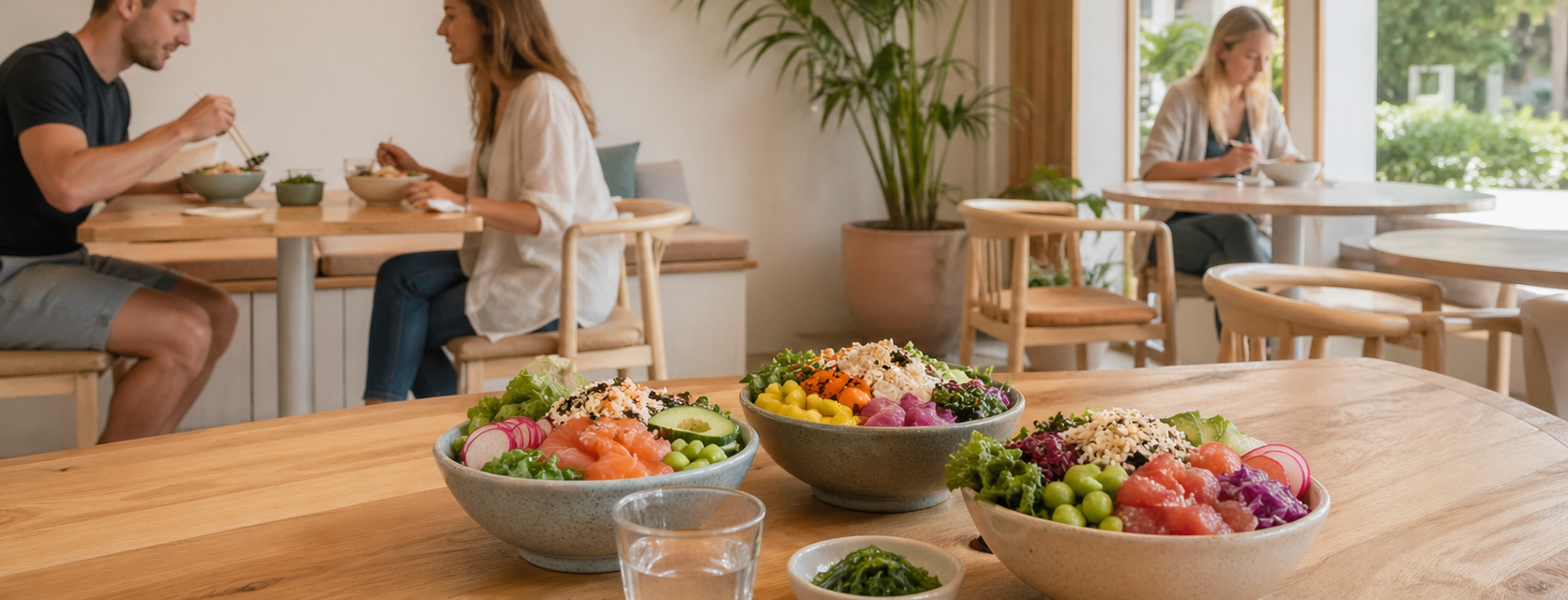
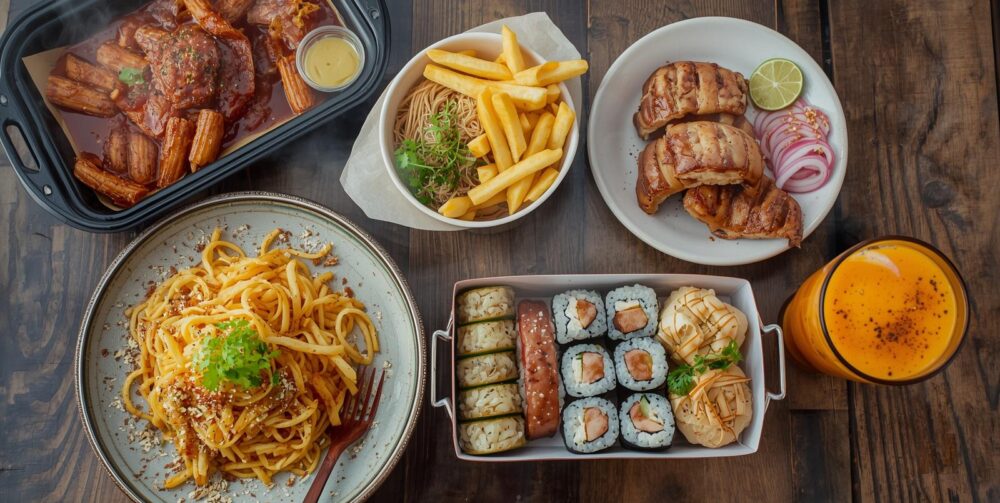
The Jimani online store is perfect for shawarma shops and grill rooms, snack bars and cafeterias, takeaway restaurants, sandwich shops, pizzerias, and sushi restaurants looking to sell online. Fully integrated with your reservation and POS system, including delivery and pickup options.
Easily manage products, payments, and orders in one central environment. No hidden costs, completely transparent.
- You receive 1 POS licence and the webshop module is fully included. No hidden costs, completely transparent. At the start you pay a one-time €279 onboarding fee (excl. VAT); in return we set everything up together with you.
*All prices are exclusive of VAT.
Go live with your E-commerce platform within 30 minutes
Getting started with Jimani is easy. No technical knowledge required. No long explanations. No Hassle.
Your E-commerce platform will be online and ready to use within half an hour.
Blogs

Onboarding: Starting your E-commerce platform with Jimani
Congratulations! You've chosen Jimani to take your food shop's sales and checkout experience to the next level. But how do you optimally set up the system? In this b[..]
Organize your webshop logically with categories and strategic product placement
When a hungry customer opens your webshop, every second counts. If they have to search for that one specific burger or cold drink, they are likely to give up. A logi[..]
There are 2 ways to track sales and filter the popular products.
The first way is via the dashboard, where you will find a complete overview of all sales per time. Via the financial reporting, you can see which products are selling well or not per product or category.
Via the “Financial overview” you can immediately view the orders and follow the entire process.
Certainly, you can easily search by customer details to find the order history.
Because Jimani is a reservation platform for all forms of reservations, rentals, orders, and bookings, you can view much more than just order history. You can even zoom out to customer group or customer composition. With this data, you gain insight into the order and booking patterns of families with children, specific booked accommodations, and even which customer group orders the most pizzas. Read more about it here.
Yes, you can track your sales statistics in real time with charts and reports in the dashboard. Alternatively, the financial report allows you to see which products are selling well, or not, per product or category.
You can view the orders directly via the “Financial overview” and follow the entire process.
Yes, you can manage unlimited locations, from restaurants to hotels, from one central Jimani account. This ensures clarity and efficiency. Read more about it here.
Jimani partners with Mollie, one of Europe’s leading payment solutions providers. Mollie provides a reliable and secure payment environment that supports all standard payment solutions per country, such as credit cards, iDeal, and PayPal. View the solutions and prices via this link.
Yes, there are 2 possibilities:
- If you have different businesses, you can choose to create multiple accounts. Because you are linked to all of them as a user, you can switch between accounts with 1 click and you have everything clearly visible.
- If you manage different points of sale within, for example, a holiday park, you can run everything through 1 account. The widgets and POS system are so adaptable that you can show certain products per zone. So show the pizzas in the pizzeria and coffee with pastries on the terrace. Read more about it here.
Yes, you can set different VAT rates per product to comply with tax regulations (e.g. 9% for food and 21% for alcohol). Read more here.
Via settings à Widget installation you can create unlimited widgets. You choose webshop and indicate which product categories you want to show. When you save this, you will receive a “Widget code”. You can place this widget code on any part of the website and from that moment on the widget is live and orders can be placed.
Yes, the Jimani webshop module is not just a widget that you place on your website. There is a complete cash register system behind it, where you can easily process all orders via your laptop, iPad, or touchscreen. Connect your cash register system with a receipt printer, a payment terminal, and a cash drawer, and you’re all set.
Click here for more information about external products
Yes, and it’s easier than you think. All you have to do is order a kiosk through our webshop in combination with a payment terminal. When you receive it, you can start it up and log in yourself. Then, choose which widget should be displayed on the kiosk and you can start selling. Read more about it in this blog.
Does the customer have the option to dine in, in addition to picking up or having the order delivered? If so, provide the table number via the cash register or kiosk. When a table number is linked, the order can be served immediately, and more information is stored, such as spending patterns per table or customer compositions.
Yes, but only when this is possible.
When the customer places an order via the widget, they are required to provide their email address. The customer will then receive an order confirmation and invoice at this address.
When the guest places an order via the built-in cash register or via the Kiosk, the customer is not required to leave any details, but the receipt is simply printed via the receipt printer. Read more about it here.
Yes, there are several solutions that allow you to work paperless.
The order processing menu is always in real-time, so when the kitchen also has access to, for example, an iPad, the kitchen can immediately change the order status to “Dish in preparation” and “Dish ready.”
Another option is to use kitchen displays. These work essentially the same as an iPad, only this is displayed in a much clearer way. This is especially useful for larger quantities of orders and a large kitchen. Read more about it here.
Certainly, if you have multiple receipt printers connected, you can choose where to print the receipt for each product. This is useful when, for example, drinks are served at the bar and menus in the kitchen. Indicate where the receipt should be printed for each product and ensure a smooth ordering process. Read more here.
Do I also have a delivery or takeaway option?
Yes, the Jimani webshop module has 3 options:
- “Eat here”
- Takeaway
- Delivery
You can set whether this is active or not per widget or sales zone. If you also offer delivery, you can even set special delivery times that may differ from the standard opening hours.
When delivery is active, you can simply add delivery costs, a minimum order value, and free delivery costs from a certain spend. Read more about it here.
When an order is received as an online order, it immediately appears in the overview. During the reservation process, the guest can indicate the desired time for the order, so the order will be displayed in the correct time slot.
Via the order overview, you can change the status to “In preparation,” and when the product is ready, the status can be changed to “Ready.” Only when the entire order is marked as ready will the order be moved to the correct option for the guest: “Pick up,” “Delivery,” or “Eat here.” Once the order has been picked up, served, or delivered, the order can be moved to completed and will be removed from the order overview. Read more about it here.
Yes. With the Extra languages extension, Jimani translates your products, categories, supplements and labels. Jimani works in 13 languages: Dutch, English, Danish, German, Greek, Spanish, Finnish, French, Italian, Norwegian, Polish, Portuguese and Swedish. A language only becomes visible once everything in it is translated; you choose which languages your guests see (at most five at a time).
Yes, each product can be linked to a supplier, purchase prices, and inventory. You can also choose not to link products to inventory. This is especially useful for items that are standardly in stock, such as lettuce or perhaps bottles of cola.
When inventory tracking is active and the stock is depleted, you can choose to display the products in the widget or at the checkout as “sold out,” or you can choose not to display these products at all.
No, Jimani specializes in a webshop platform for the food sector. This means that our focus is primarily on selling food and beverages in various advanced ways. Digital products are therefore not included. Read more about setting up an e-commerce platform in this blog
Certainly, with 1 click of the button you can disable any product. This can be useful when you suddenly notice something is out of stock. Set the product to out of stock and the product is immediately no longer visible, or no longer available for order.
Certainly, you have up to 3 full option layers per product and the ability to offer related products and menus. The options are very easy to use and ensure that the product can be fully customized.
Example for a sandwich shop:
- Healthy sandwich
Option level 1: White bread / brown bread
Option level 2: Extra cheese (+ €0.25), extra mayonnaise (+ €0.25), etc.
Option level 3: Without cheese, Without mayonnaise, etc.
Example for a snack bar:
You can choose to add a small fries, a medium fries and a large fries separately, or you can choose to do it as follows:
- Fries
Option level 1: Small, Medium (+ €1.00), Large (+ €1.25)
Option level 2: mayonnaise (+ €0.25), curry (+ €0.25), Ketchup (+ €0.25) etc.
In the event that you want to sell a menu, for example, you can display it as follows:
- Fries
Option level 1: Small, Medium (+ €1.00), Large (+ €1.25)
Option level 2: mayonnaise (+ €0.25), curry (+ €0.25), Ketchup (+ €0.25) etc.
Related products: Kroket (+ €1.25), frikandel (+ €1.25) etc.
You can maximize the number of related products to choose to 1 if desired and offer the related product at a lower price. Read more here.
Yes, you can add each product to one or more categories. You can actively place these categories per widget or sales zone. Read more here.
Certainly, you have up to 3 full option layers per product and the ability to offer related products and menus. The options are very easy to use and ensure that the product can be fully assembled.
Example for a sandwich shop:
- Healthy sandwich
Option level 1: White bread / brown bread
Option level 2: Extra cheese (+ €0.25), extra mayonnaise (+ €0.25), etc.
Option level 3: Without cheese, Without mayonnaise, etc.
Example for a snack bar:
You can choose to add a small fries, a medium fries and a large fries separately, or you can choose to do it as follows:
- Fries
Option level 1: Small, Medium (+ €1.00), Large (+ €1.25)
Option level 2: mayonnaise (+ €0.25), curry (+ €0.25), Ketchup (+ €0.25) etc.
In the event that you want to sell a menu, for example, you can display it as follows:
- Fries
Option level 1: Small, Medium (+ €1.00), Large (+ €1.25)
Option level 2: mayonnaise (+ €0.25), curry (+ €0.25), Ketchup (+ €0.25) etc.
Related products: Kroket (+ €1.25), frikandel (+ €1.25) etc.
You can maximize the number of related products to be selected to 1 piece if desired and offer the related product at a lower price.
Customers about Jimani
Smooth Restaurant Management
At Jongleert Restaurant, part of the Scalda school group, we are very pleased to use Jimani. This system enables us to m[..] Read more
Smooth Restaurant Management
At Jongleert Restaurant, part of the Scalda school group, we are very pleased to use Jimani. This system enables us to manage reservations for our student-run restaurants quickly and easily. Thanks to Jimani, the reservation process runs smoothly and efficiently.

Incredibly Useful Program
Jimani is an incredibly useful program because it can combine both activity and table reservations into one. They collab[..] Read more
Incredibly Useful Program
Jimani is an incredibly useful program because it can combine both activity and table reservations into one. They collaborate with you and are very flexible. This, combined with a well-organized program, makes us very satisfied!

Great for Padel Courts
Jimani is an excellent system for booking padel courts, tennis courts, and children’s parties. It offers the conve[..] Read more
Great for Padel Courts
Jimani is an excellent system for booking padel courts, tennis courts, and children’s parties. It offers the convenient option of combining both the sporting activity and, for example, a table in one reservation. In addition, the team is very flexible and happy to help you. That ensures that we are satisfied!

Very User-Friendly
Jimani is a clear and user-friendly reservation system that can easily be adjusted to your own preferences. When we want[..] Read more
Very User-Friendly
Jimani is a clear and user-friendly reservation system that can easily be adjusted to your own preferences. When we want to add something new, they provide expert advice!

Perfectly Matches Our Offerings
We use Jimani because it fully aligns with our offerings. It is also clear that it was developed by people from the hosp[..] Read more
Perfectly Matches Our Offerings
We use Jimani because it fully aligns with our offerings. It is also clear that it was developed by people from the hospitality industry. It’s easy to make and adjust a reservation, and in the end, you have a clear overview! Adjustments in the system itself are also resolved quickly and carefully, which is ideal!
