


Reservation System for Restaurants
From table reservations to group bookings, managed in a single system

Reservation System for Restaurants
From table reservations to group bookings, managed in a single system

Reservation System for Restaurants
From table reservations to group bookings, managed in a single system
Reservation System for Restaurants
From table reservations to group bookings, managed in a single system

Reservation System for Restaurants
From table reservations to group bookings, managed in a single system
Restaurant reservation system
Do you want to run your restaurant smarter and spend less time on phone calls, mistakes and no-shows? With Jimani you get an easy online reservation system that makes your work easier and increases your turnover. No hassle, simple table reservation. No double reservations. But overview and peace.
The Jimani online reservation system is made for table reservations, group reservations, combination bookings and even parties & events.
Within 30 minutes your system is ready and works on your website and in your app.
Benefits at a glance:
- Live within 30 minutes
- Easy to use
- Never double reservations again
- Guests can reserve 24/7 via your reservation system website or app
- Smart table management and automatic confirmations
- More turnover through extra sales and combination bookings
- Works with your cash register and QR codes
Getting started with Jimani is easy.
No technical knowledge required. No long explanation. No hassle.
Within half an hour your online booking system for your restaurant is ready for use.
Smart table reservations for every catering business
Guests want to book a table quickly and easily. You want overview, peace, and control.
The Jimani restaurant reservation system makes it all possible.
You arrange:
- Online table reservations
- Table layout and capacity
- Group reservations
- Quotes and requests
- Personal messages to guests
Jimani is not just a reservation system for restaurants, but a reservation platform that grows with your business.
Curious about our other solutions?



Smart functions of the Jimani reservation system
- Table reservation software with a clear overview
- Automatic emails and reminders
- Notes for regular guests
- Link with your cash register system and hardware
Why an online reservation system for the catering industry is so important
With Jimani you can accept reservations 24 hours a day via your online reservation system website or app.
In addition, you gain insight into your guests:
- Which groups are the most profitable?
- What are the peak moments for the kitchen and service?
- How do you plan staff better?
And all this while maintaining personal service, with fewer staff.
more revenue
Available in 30 countries
more reservations
We make your guests happy

Book via your own website with the Jimani reservation system
Guests book in a few clicks via your own website or via the Jimani reservation system for the catering industry.
You see everything coming in directly and can easily change, cancel or confirm table reservations.
That is why Jimani is not just a system, but a reservation system software platform
Unique advantages:
- Real-time planning
- Combination tables
- Combination bookings (such as table + activity)
- Send quotes in 1 click
- Link with QR and pin devices
Why Jimani is better than other reservation systems
Many systems stop at “reserving a table.”
But you need more.
Jimani can:
- Plan large groups
- Combine tables
- Sell packages
- Arrange down payments
- Offer extra products
- Link activities
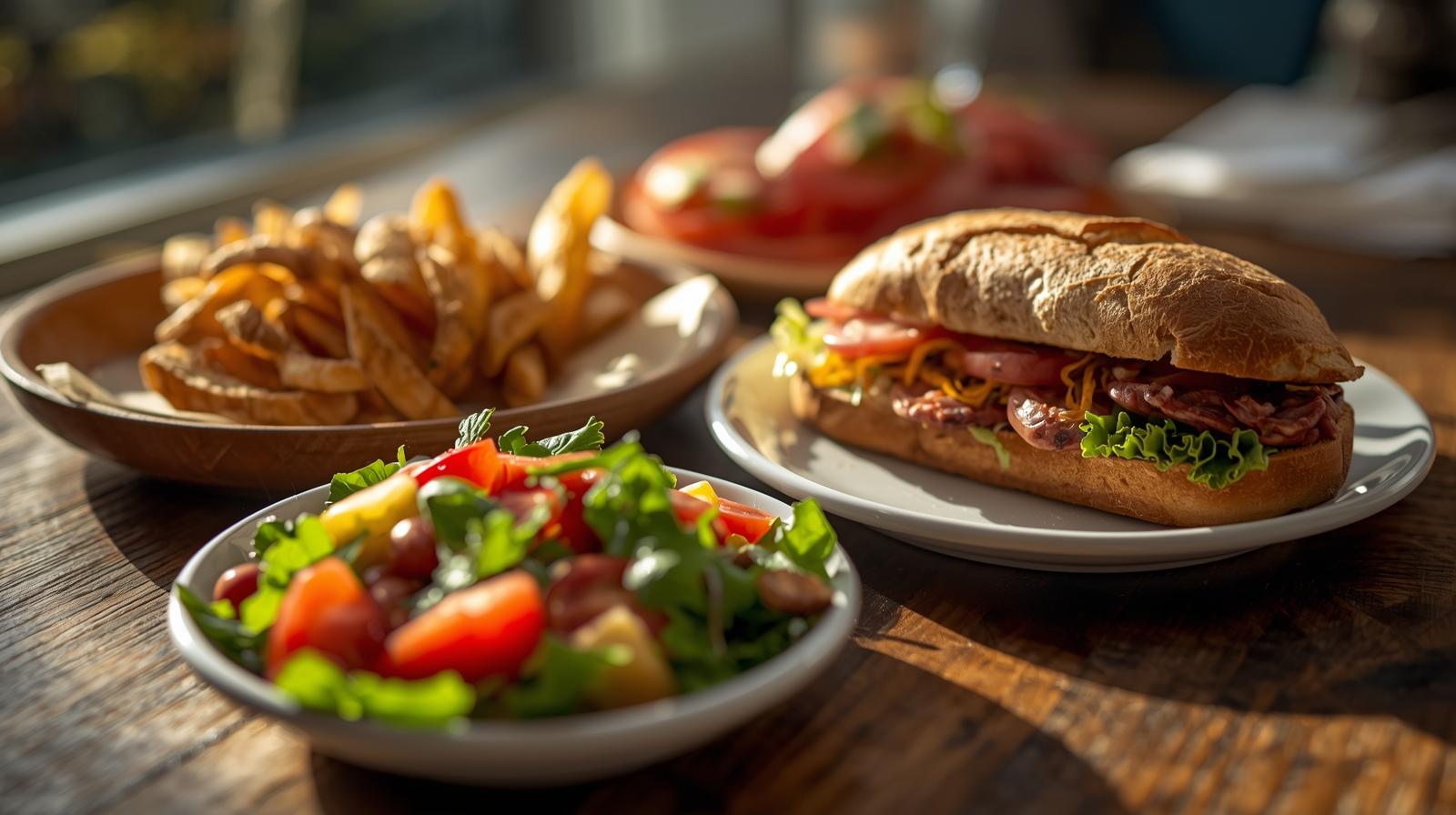
Increase your turnover by 8% to 73%
With Jimani you can also offer other services in addition to tables, such as:
- Activities
- Tickets
- Packages
- Accommodations
- Takeaway and delivery meals
You keep an overview. Guests book more. You earn more.
Extras & Extensions
Optionally expandable with:
- Extra POS license: €15 per month
No monthly fee
Complete hospitality reservation system including a POS license, without a monthly fee.
With the hospitality module, you have a comprehensive table reservation and POS system for orders, payments, and administration in one central environment.
You receive 1 POS license, and the webshop module is fully included. No hidden costs, completely transparent.
- At the start you pay a one-time €279 onboarding fee (excl. VAT); in return we set everything up together with you.
*All prices are exclusive of VAT.
Live within 30 minutes with your restaurant reservation system
Getting started with Jimani is easy. No technical knowledge required. No lengthy explanations. No hassle.
Within just 30 minutes, your online booking system for your restaurant is live and ready to use.
Blogs
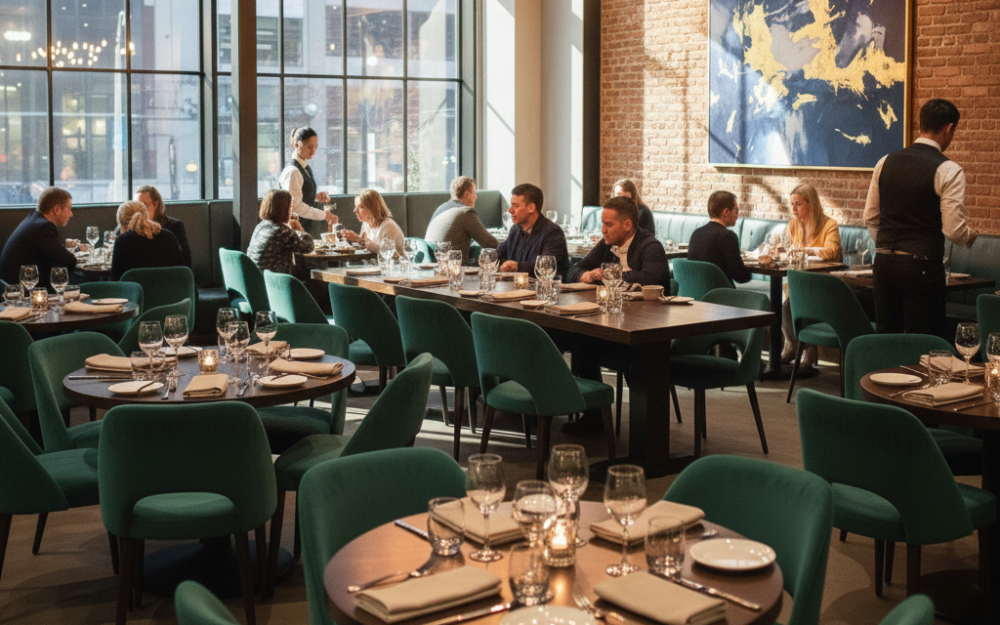
With each reservation, you will immediately see the name, full contact details (phone and email), and any special requests (e.g., allergies or preferred seating) that the guest has provided. This data is stored in a customer profile for future personalization.
When you open the reservation, you will immediately see how often these guest(s) have visited, what their previous experience was like, and you will have access to their previous orders and spending patterns.
How can I sell additional products, packages, or menus during the reservation process?
With Jimani, you can add deposits per reservation type.
For example, for a special occasion such as a Christmas dinner, you can charge a deposit per person, such as €20.00 for adults and €10.00 for children, so you can be sure that you will not have any cancellations or no-shows and that you can purchase accordingly. You create a “Price per person” product and add it to each desired reservation type.
If you want to be able to sell extras as an option, you can create a product via “Extra products” and offer it during the reservation of that reservation type. Think of a wine package, a birthday surprise, or a decorated chair at a children’s party.
With Jimani, you have the option, in addition to adding products, to also add combination reservations. With a combination reservation, you can reserve activities or ticket sales while booking a table. Read more about it here.
With Jimani, you can add deposits per reservation type.
For example, for a special occasion such as a Christmas dinner, you can charge a deposit per person, such as €20.00 for adults and €10.00 for children, so you can be sure that you will not have any cancellations or no-shows and that you can purchase accordingly. You create a “Price per person” product and add it to each desired reservation type.
If you want to be able to sell extras as an option, you can create a product via “Extra products” and offer it during the reservation of that reservation type. Think of a wine package, a birthday surprise, or a decorated chair at a children’s party.
With Jimani, you have the option, in addition to adding products, to also add combination reservations. With a combination reservation, you can reserve activities or ticket sales while booking a table.
Yes, it is possible to link multiple kiosks to a single Jimani POS system. All kiosks operate within the same platform and automatically forward orders to the central point of sale.
This allows you to use multiple ordering points within your business, while all orders and payments are processed clearly in one system. This way, you can easily maintain insight into all transactions and revenue.
In addition, kiosks can be used for other applications. For example, guests can use a kiosk to make a table reservation, book an activity, or purchase tickets for an event. Consider, for instance, a guest who reserves a table upon arrival, books a bowling lane or wellness activity, or buys tickets for an event. This makes the kiosk a versatile self-service point within your business. Read more about it here.

Certainly. You can easily set regular opening hours, but exceptions and special times can also be added quickly. This is useful for holidays, events, or temporary closures, for example, ensuring an accurate availability calendar.
With Jimani, it is possible to link each type of reservation, such as dinner or lunch, to its own opening hours and time slots, so you can easily make certain spaces or days available only to groups. Read more here.
Within Jimani, there are numerous options to streamline group reservations and display all information clearly and concisely. For example, for parties and events such as weddings, anniversaries, or corporate outings, you can create fields with questions like, “What time would you like to eat?”, “How many vegetarians should we consider?”, “Which drinks may be served?”, and so on.
Besides obtaining specific information per reservation type, Jimani allows you to easily create a quote, where you can immediately receive a deposit and confirm the event.
Or choose the inquiry option, so that every request for a group reservation no longer has to come in via email, but directly via the reservation widget.

Yes, with Jimani you have 2 choices: either a maximum number of guests per 15 minutes or the number of reservations per 15 minutes. With this “Peak Restriction” option, it is possible to spread out the peaks. Suppose you have 20 tables and all tables are reserved at 6:00 PM. This means that around 6:00 PM there will be a lot of people at the door who will all sit down at the same time, order drinks and want to eat. This large crowd has a major impact on the service and kitchen. If you set a maximum of 5 reservations per 15 minutes via the “Peak Restriction“, this means that there is more spread and therefore more peace of mind. When 5 reservations have been made at 6:00 PM, 6:00 PM will be displayed as full during the reservation process and 6:15 PM will be the next available reservation time.
Yes. You can link tables to specific zones (e.g., terrace, conservatory, bar, private room). This allows guests to indicate their preference and gives you, as the administrator, complete control over the optimal table allocation per zone.
Because all tables are linked to a specific space or zone, you can also set restrictions on these. This means that you can, for example, close off different zones for a period of time or days.
Yes, with Jimani you have 2 choices: either a maximum number of guests per 15 minutes or the number of reservations per 15 minutes. With this “Crowd Restriction” option, it is possible to spread out the peaks. Suppose you have 20 tables and all tables are reserved at 6:00 PM. That means that around 6:00 PM there will be a lot of people at the door who will all sit down at the same time, order drinks and want to eat. This large crowd has a major impact on the service and kitchen. When you set via the “Crowd Restriction” that, for example, a maximum of 5 reservations may be made per 15 minutes, this means that there is more spread and therefore peace. When 5 reservations have been made at 6:00 PM, 6:00 PM will be displayed as full during the reservation process and 6:15 PM will be the next available reservation time. Read more about it here.
Almost. Jimani offers integrations with various point of sale (POS) systems and can automatically forward reservation information, including ordered products, to the cash register and kitchen. There are many POS systems, so if your brand of POS system is not yet linked to Jimani, we will address this request as soon as possible. Read more here.


Yes, you can in 2 ways.
- Via the floor plan. In the floor plan you will find an overview of all tables, reservations and their status.
- Via the reservation overview pages. In this overview you will find a schematic representation of all reservations for today, the week, or new reservations.
A cancellation is never pleasant, but it is certainly much better than a No-show. A cancellation is automatically placed back as an open position and can therefore be reserved again.
The guest can always cancel their reservation, and when this is done, there are 2 possibilities:
- It concerns a reservation for which no payment has been made.
You can find the reservation in “Cancellations,” and there is a notification, so you are always aware of cancellations.
- It concerns a reservation for which a payment has been made.
You can find the reservation in the “Refund Overview.” Here, you have the choice to refund the guest’s deposit, a portion of the amount, or even not refund the full amount. This, of course, depends entirely on your return policy.
You can easily share important messages or instructions via “Announcements.” The announcements will be visible to everyone on a set date. The announcement can always be visible, or only when someone manually makes a reservation.
There are 3 types of announcements you can use:
- Informative announcement
- Warning announcement
- Attention announcement

Certainly. In addition to online bookings received through the widget, you can manually add reservations yourself in the system. This is essential for registering telephone bookings, walk-ins, or on-site appointments, ensuring that your overview of the day is always complete.
A manual reservation is created in such a way that it takes a maximum of 10 seconds, so you can quickly move on.


Absolutely. Our system operates in real time and uses advanced algorithms to update availability instantly. Once a table is booked, it is blocked for other reservations, effectively preventing double bookings and optimizing occupancy rates.
Also, when making a manual reservation, you can immediately see if there is space available. If it is not available at the moment, you can immediately see when it is.
Yes, Jimani is ideally suited for multiple locations. You can manage all locations in one central account and easily switch between locations with a single click. This saves time, ensures uniformity in settings, and provides you with a complete overview of the performance of all your businesses. Read more about it here.
Certainly, you can send a special survey per reservation type that you can really benefit from. This allows you to create an unlimited number of surveys for each type of ticket. You can customize the questions to the ticket type so that you get really good feedback.
You set how many hours after departure the survey is sent (under Sending times); a fixed time of day is not possible. This requires the Survey extension (€5 per month, excl. VAT).
Yes. Jimani works in 13 languages: Dutch, English, Danish, German, Greek, Spanish, Finnish, French, Italian, Norwegian, Polish, Portuguese and Swedish. You choose which languages your guests see (at most five at a time).
You can allow the guest to pre-select the number of adults, children, and babies when making the reservation. You can also easily add a high chair as an option to the reservation, so the guest can choose it themselves, or indicate other wishes.
Yes, within Jimani you can create an unlimited number of fields that you link to a reservation type. This allows you to immediately request specific information during the reservation process.
Tip: For example, when you offer a reservation type such as a birthday dinner or children’s party, you can immediately use fields to ask for the name and age of the birthday person, so that you can prepare something if necessary.
This information is displayed in the reservation overview, so that it is always available to the service and kitchen staff.
You can significantly reduce no-shows by utilizing two effective features: automatic reminders and the option for mandatory deposits. This combination ensures greater guest engagement, resulting in a lower dropout rate and more stable revenue. Read more here.
Customers about Jimani
Smooth Restaurant Management
At Jongleert Restaurant, part of the Scalda school group, we are very pleased to use Jimani. This system enables us to m[..] Read more
Smooth Restaurant Management
At Jongleert Restaurant, part of the Scalda school group, we are very pleased to use Jimani. This system enables us to manage reservations for our student-run restaurants quickly and easily. Thanks to Jimani, the reservation process runs smoothly and efficiently.

Incredibly Useful Program
Jimani is an incredibly useful program because it can combine both activity and table reservations into one. They collab[..] Read more
Incredibly Useful Program
Jimani is an incredibly useful program because it can combine both activity and table reservations into one. They collaborate with you and are very flexible. This, combined with a well-organized program, makes us very satisfied!

Great for Padel Courts
Jimani is an excellent system for booking padel courts, tennis courts, and children’s parties. It offers the conve[..] Read more
Great for Padel Courts
Jimani is an excellent system for booking padel courts, tennis courts, and children’s parties. It offers the convenient option of combining both the sporting activity and, for example, a table in one reservation. In addition, the team is very flexible and happy to help you. That ensures that we are satisfied!

Very User-Friendly
Jimani is a clear and user-friendly reservation system that can easily be adjusted to your own preferences. When we want[..] Read more
Very User-Friendly
Jimani is a clear and user-friendly reservation system that can easily be adjusted to your own preferences. When we want to add something new, they provide expert advice!

Perfectly Matches Our Offerings
We use Jimani because it fully aligns with our offerings. It is also clear that it was developed by people from the hosp[..] Read more
Perfectly Matches Our Offerings
We use Jimani because it fully aligns with our offerings. It is also clear that it was developed by people from the hospitality industry. It’s easy to make and adjust a reservation, and in the end, you have a clear overview! Adjustments in the system itself are also resolved quickly and carefully, which is ideal!
