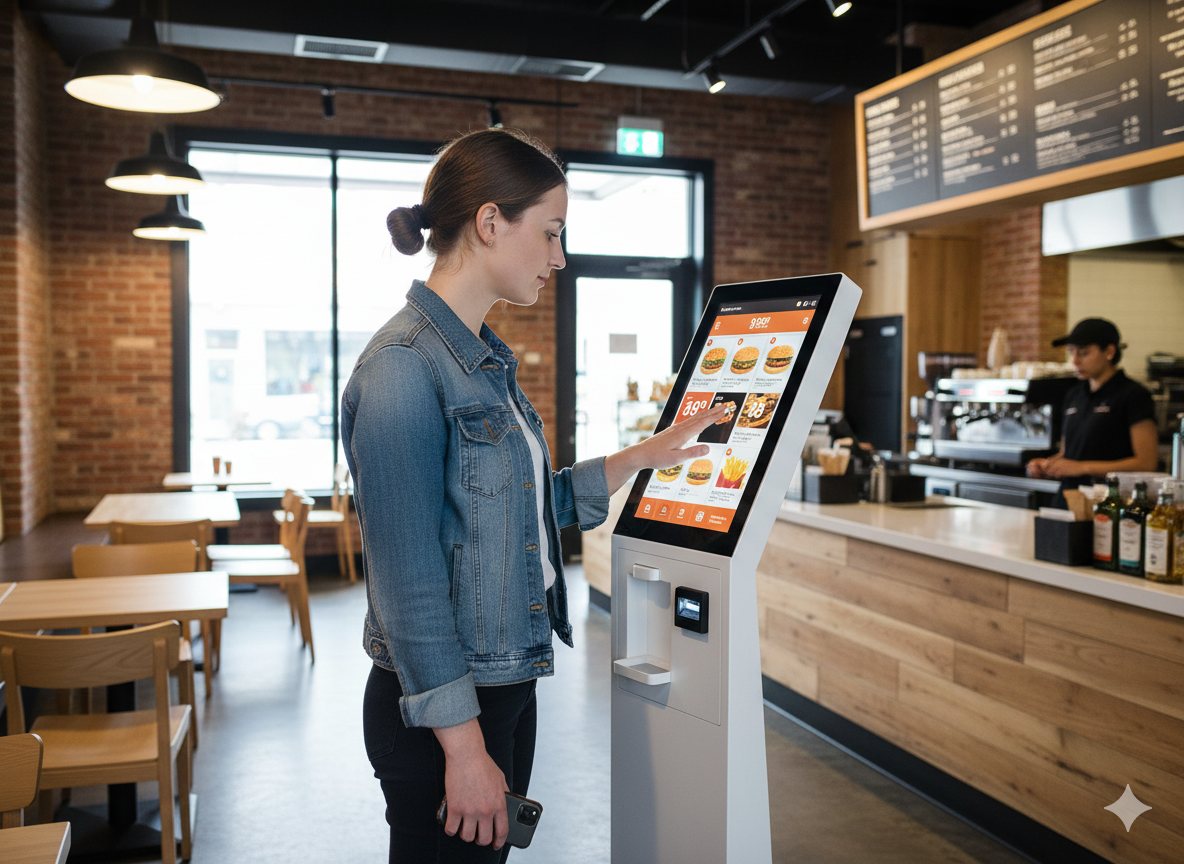
How to connect self-service to your POS system
Self-service kiosks are becoming increasingly popular in the hospitality industry. Guests can order independently, check out faster, and waiting times are reduced. For hospitality entrepreneurs, this means more efficient operations and less pressure on staff. However, a kiosk only truly functions well when it is fully integrated with your POS system. Within the Jimani hospitality platform, kiosk orders are automatically linked to the POS, the kitchen, and your administration. This creates a single, clear system where all orders converge.
How are kiosk orders linked to the POS?
When a guest places an order via a kiosk, it is automatically registered in the Jimani POS system. The order immediately enters the same environment as orders placed via the POS, handhelds, or QR codes.
This means that:
- kiosk orders automatically appear in the POS
- all transactions are processed within the same administration
- orders are immediately visible to staff
- revenue is updated in real-time
Connecting multiple kiosks to a single POS system
In busy hospitality establishments, a single kiosk may sometimes be insufficient. Therefore, within Jimani, you can easily link multiple kiosks to the same POS system. All kiosks operate within the same platform and automatically forward orders to the central POS.
Benefits of multiple kiosks:
- multiple guests can order simultaneously
- shorter waiting times during peak periods
- all orders end up in a single system
- central insight into revenue and transactions
This makes kiosks attractive for fast-casual restaurants, food halls, snack bars, and self-service concepts, for example.
Automatically sending orders to the kitchen
When a guest places an order via a kiosk, the kitchen must be able to see it immediately. Within Jimani, this happens completely automatically. As soon as an order is confirmed, it is directly forwarded to the correct department.
Orders can, for example, appear on:
- a receipt printer in the kitchen
- a printer at the bar
- a kitchen display system (KDS)
This allows kitchen staff to know immediately what needs to be prepared, without employees having to pass on orders manually. This speeds up the process and reduces the likelihood of errors.
More than just ordering via a kiosk
Within the Jimani platform, kiosks can also be used for other applications. This turns a kiosk into a multifunctional self-service point within your business. Consider, for example, a guest who reserves a table upon arrival, then books an activity, and subsequently orders food via the same kiosk.
For example, guests can use a kiosk to:
- place an order
- reserve a table
- book activities
- purchase tickets for an event
Self-service and POS in one system
When kiosks, POS, and the kitchen work together within a single platform, an efficient workflow is created for your hospitality business.
With the Jimani system, you can:
- process self-service orders
- manage multiple kiosks
- automatically send orders to the kitchen
- centrally register all revenue
This allows you to combine convenience for the guest with an overview for your business. For hospitality businesses looking to work with self-service technology, Jimani offers a solution where kiosks, POS, and the kitchen collaborate fully.